A couple of years ago, I created this illusion photo, Ran Out of Firewood, which won an award or two at Competition Season time (and was later accepted in the Capital District Photo Regionals).
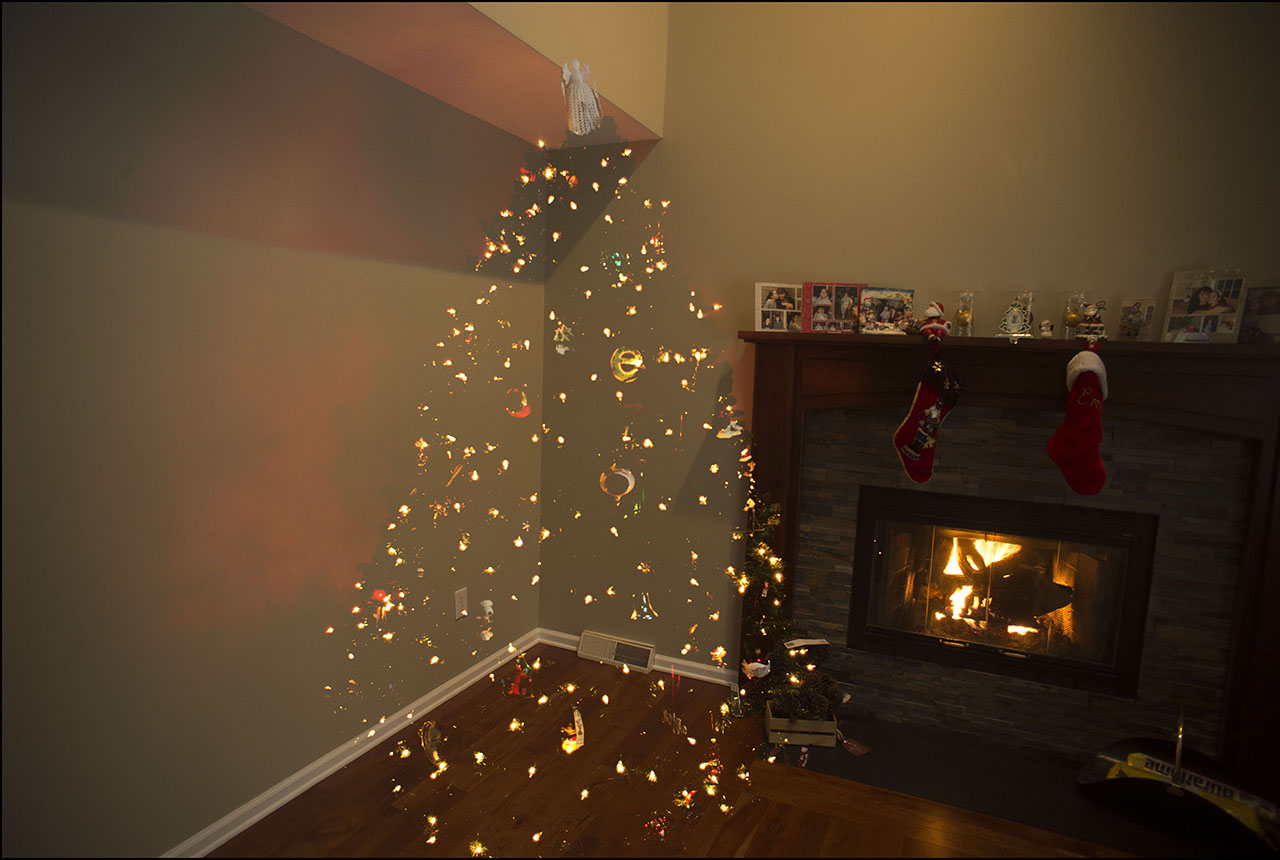
This year, I decided to re-create the illusion, and also share with you a way you can make this image work for you.
You’ll need the following ingredients –
- Camera
- Tripod
- Christmas tree with lots of lights
- Kosher salt (every recipe needs Kosher salt)
Set up the Christmas tree and turn on the lights. This image will work great if you have something reflective in the background, like a mirror or a glass picture frame.
Set up your tripod in front of the Christmas tree and attach your camera.
Take a few shots. Use a slower shutter speed to get plenty of lights from the tree on your photo. It will also help if you turn off the overhead lights so that the only illumination comes from the tree.
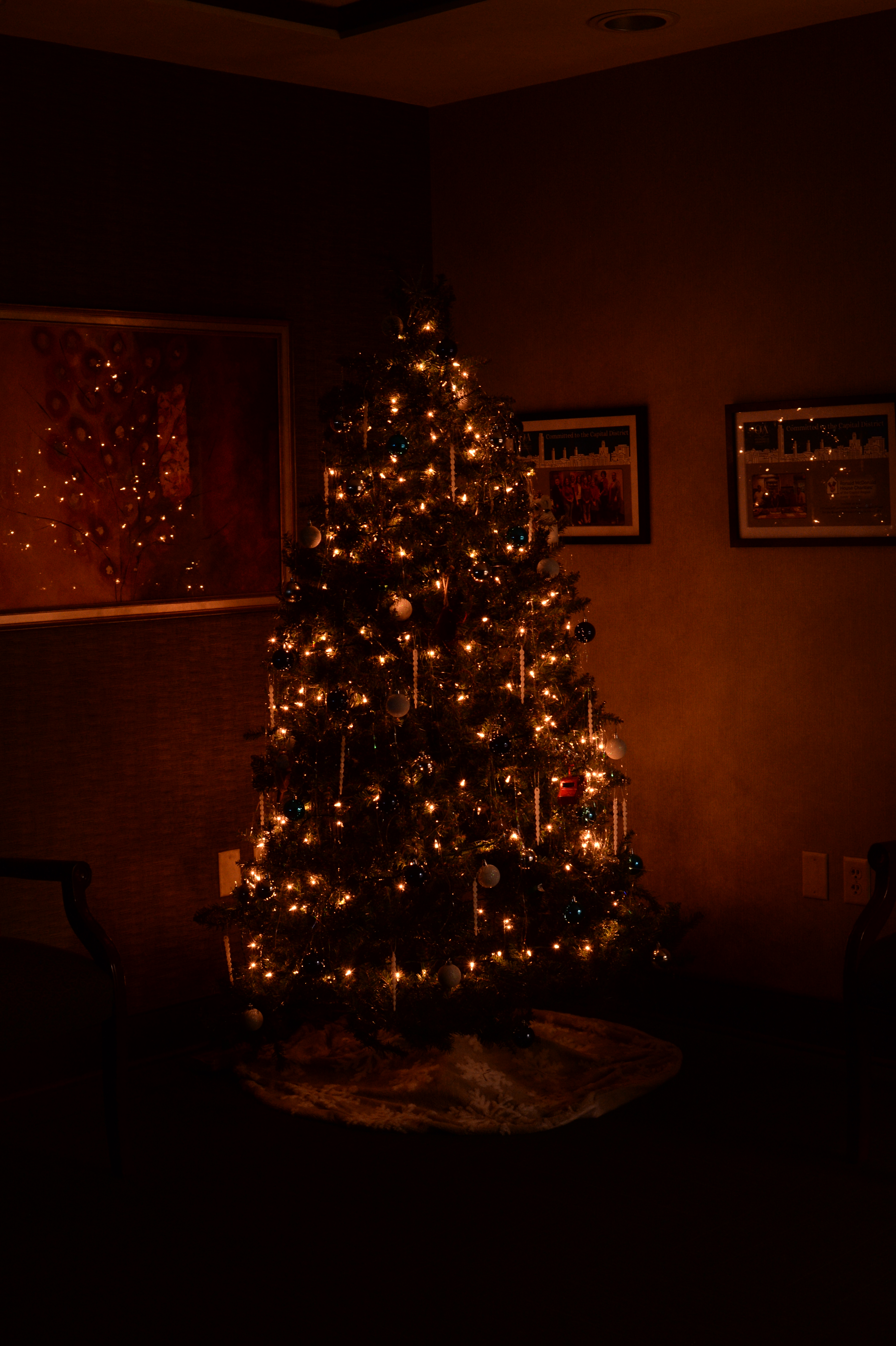
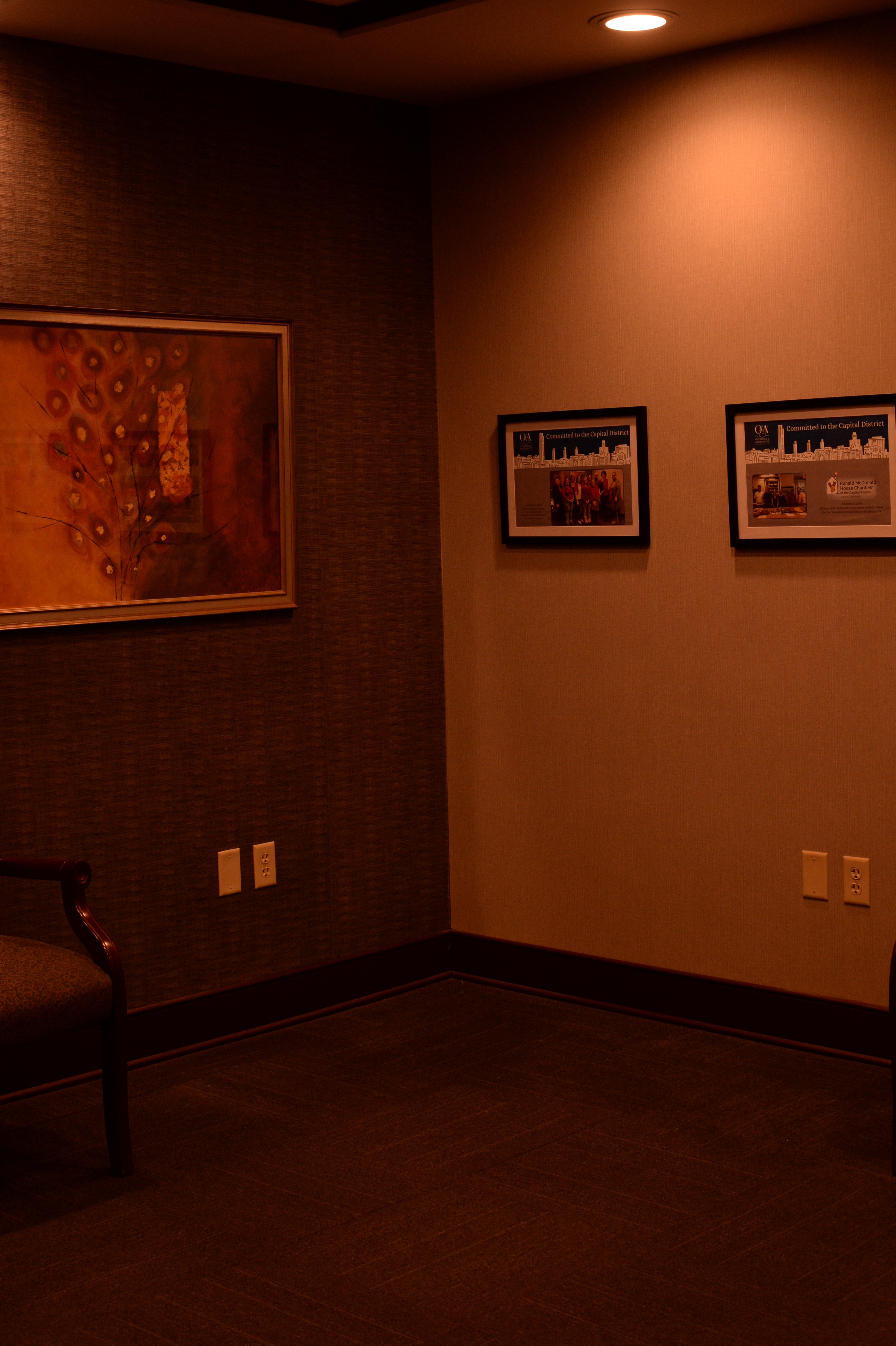
Now take the tree down. Put all the lights away. Don’t be that jagoff who throws all the lights into a box and wonders why they’re all tangled and twisted when you want to rebuild the tree next winter.
Keep your tripod exactly where it is. Do not adjust or bump anything.
Now turn on the overhead lights and get a few photos.
Open your copy of PhotoShop, load both photos into a stack. File > Scripts > Load Files Into Stack.
Re-order the stack so that the tree-less photo is on top. Right-click on that layer, select Blending Options and change the blend to Lighten.
Once you’ve done that, combine the images, and you’re done. You end up with this waycool photo.
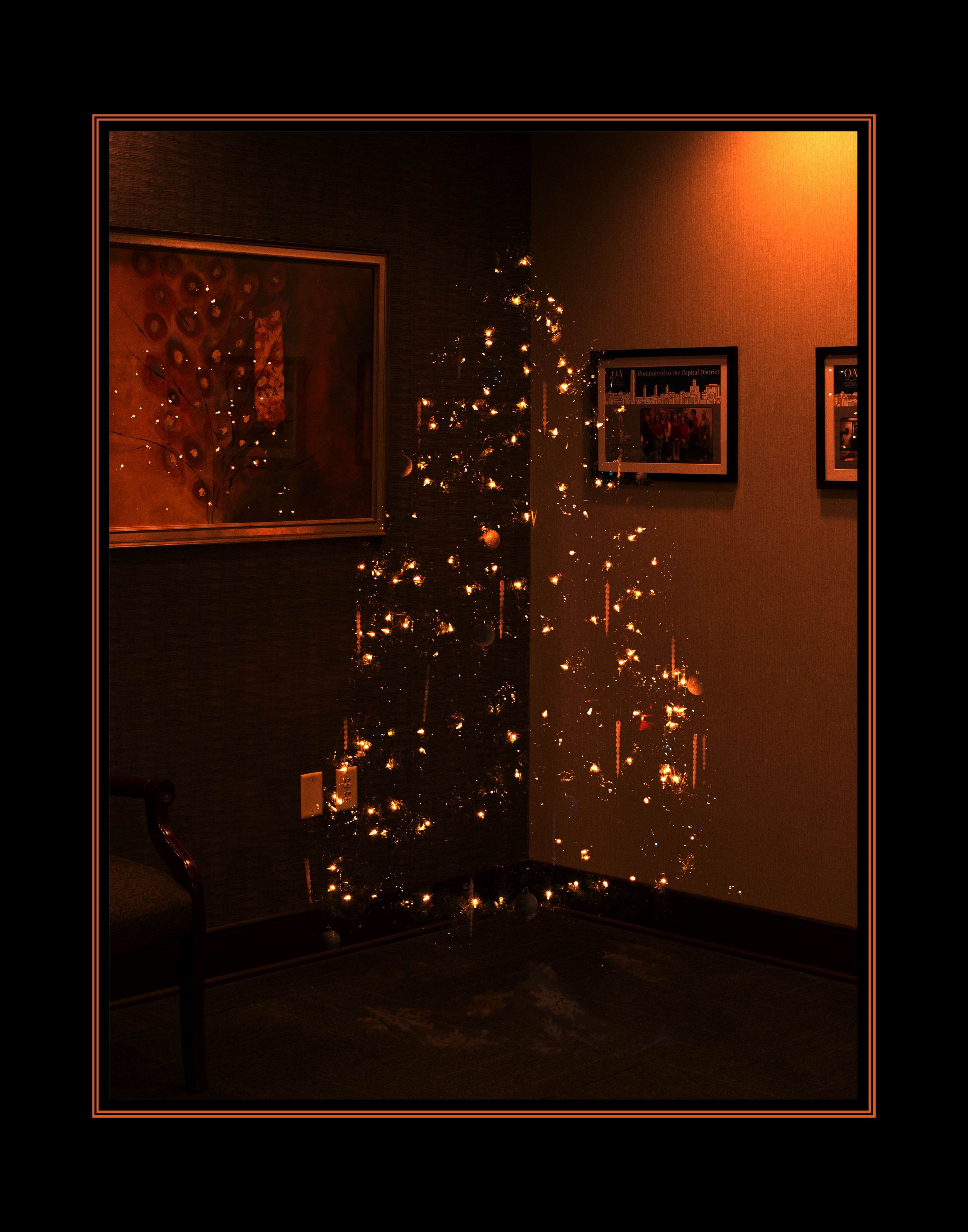
Trust me, this will make a great Christmas card for that special someone. Show off your twinkle.
And put a way the Kosher salt. This is a photo tutorial, not a Bachelor Cooking blog post. 😀
Give this a try. It can work with Christmas trees or for any other types of illumination. Have fun with this.


Very clever!
I noticed a dozen of what looks like hanging “icicles,” which brought back memories.
When I was a wee lad, in addition to real aluminum tinsel (saved from year to year), we had white hanging icicles which would briefly glow in the dark after the room lights went off. Kinda like the early Timex watches.
LikeLike